Call us today to discuss your Home Extension or Custom Home project

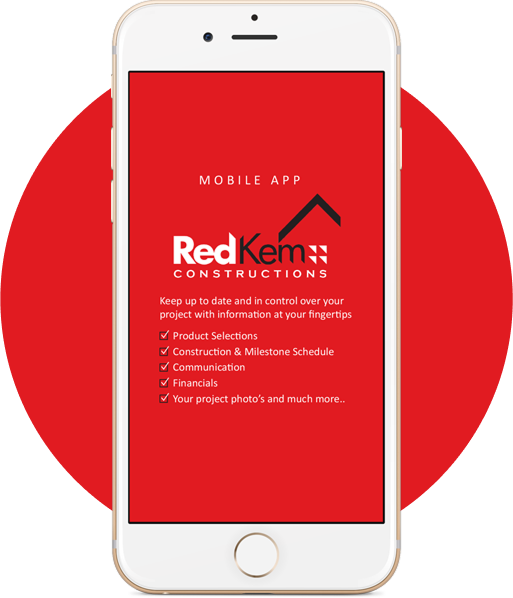
Get Our Mobile App in 3 Easy Steps
You can get our mobile app by following these instructions
1
Open your phone’s browser and visit:
2
Enter your username and password, then tap Login.
3
Follow the on-screen steps to add the app to your home screen for quick access anytime.
For Apple Devices (iPhone & iPad)
1.
Tap the “Share” icon at the bottom (iPhone) or upper-right (iPad) of your browser. Note that the “Share” icon may appear as in earlier versions of iOS
2.
From the “Share” menu that appears, select “Add to Home Screen”
3.
The new app icon will now appear on your phone’s home screen
For Android Devices
1.
Tap on the “Menu” icon in your browser (such as Android Phone Menu Button or Android Screen Menu Button) or the menu link at the bottom of your phone
2.
Add the site to your home screen with the following process:
3.
Android 5.0 and later: If you’re using a recent version of Android (version 5.0 or later), you will have the option to “Add to homescreen” directly from the browser menu. You can change the name of the mobile app icon during the process of adding it to your home screen.
RedKem Constructions Queensland is proudly powered by WordPress

We are not only the best custom renovation builder in Queensland, but we are the only ones that offer you 24/7 online access to your project, giving you peace of mind..
OUR LINKS
Members of..

© 2026 RedKem Constructions Queensland